


The rapidly expanding landscape of artificial intelligence often presents a daunting challenge for newcomers, with AI discussions permeating every facet of modern life from professional settings to daily applications. Despite the widespread hype and legitimate concerns regarding AI’s societal impact, its practical applications, particularly through conversational chatbots, offer significant benefits for planning, writing, organization, and information summarization.
For those hesitant to engage with AI due to perceived complexity or ethical considerations, understanding the foundational principles of these tools is crucial. This guide aims to demystify the process, providing a clear, beginner-friendly pathway to selecting an appropriate AI chatbot without jargon or overwhelming technical detail. It focuses on essential knowledge, key differences among leading platforms, and which options best suit initial user experiences.
At their core, AI chatbots function as text-based conversational tools, responding to user inputs in a manner akin to messaging a highly capable assistant. It is important to remember that these are sophisticated AI systems, powered by underlying large language models (LLMs), not human colleagues. The chatbot serves as the interactive interface, while the LLM acts as the sophisticated engine generating responses.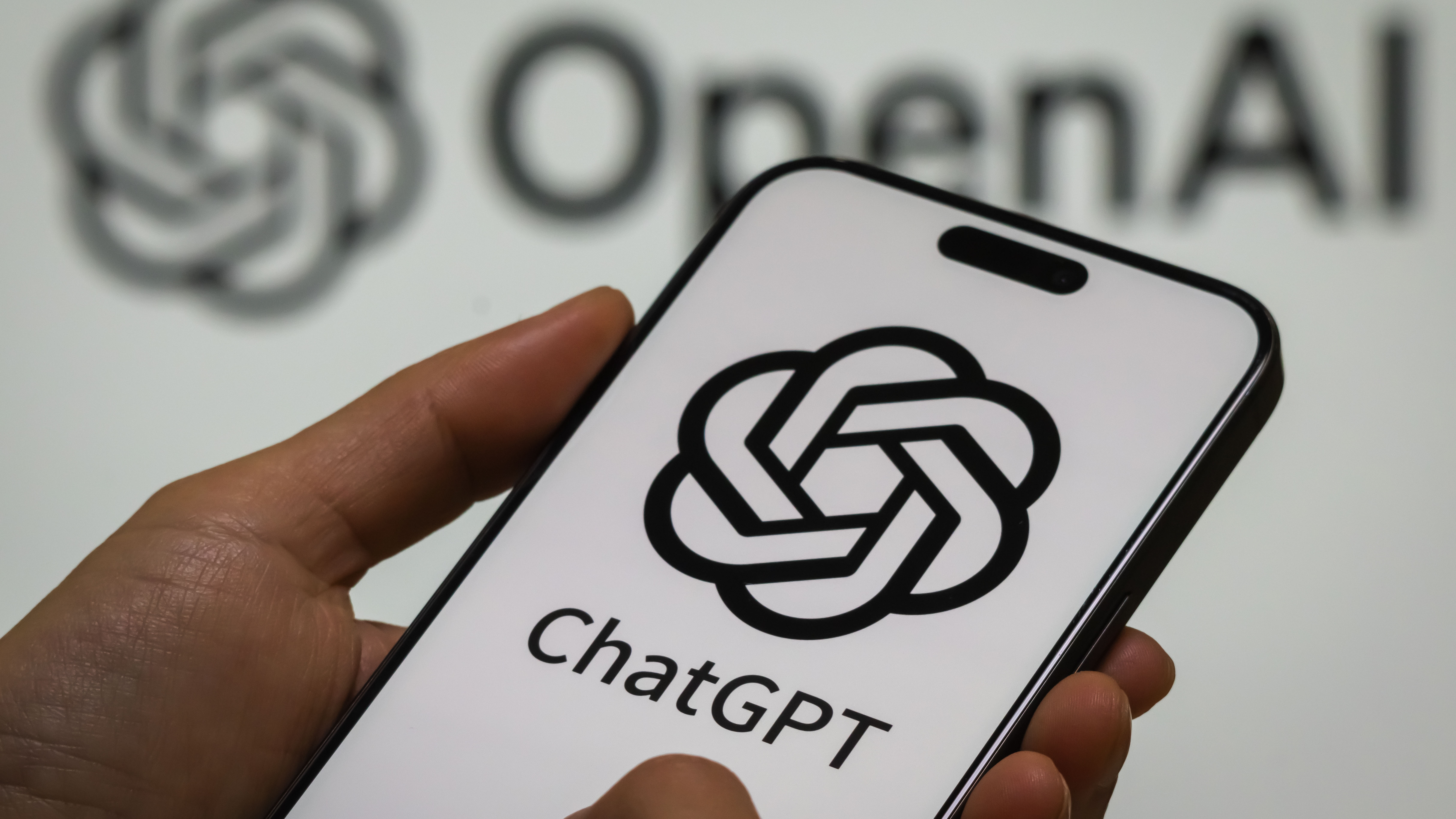
Accessibility is a key feature for many platforms, with most AI chatbots offering robust free tiers. Paid subscriptions typically unlock enhanced benefits such as faster response times, access to more advanced or newer models, improved memory capabilities for sustained conversations, and higher usage limits. Users should weigh these advantages against their specific requirements.
A critical concept for new users is “hallucinations,” an industry term describing instances where AI chatbots generate inaccurate or fabricated information. This phenomenon occurs because models are trained to produce responses even when lacking definitive knowledge. Consequently, users must diligently fact-check information provided by chatbots, especially when conducting research or dealing with sensitive data.
Privacy and memory are also vital considerations. While some chatbots retain conversation history and user preferences for a more personalized experience, users must exercise caution with confidential business, client, or personal data. Reviewing a tool’s privacy settings and workplace policies is essential, and many platforms allow users to disable data sharing to mitigate privacy risks.
Effective interaction with AI chatbots hinges on the quality of “prompts”—the text inputs provided by the user. While casual conversation yields basic results, clear, deliberate, and well-structured prompts significantly enhance the relevance and utility of the chatbot’s output, particularly for professional tasks. Furthermore, it is crucial not to conflate AI chatbots with traditional search engines; their capabilities differ, and live, up-to-date information may not always be accessible, necessitating cross-referencing with reliable sources for factual accuracy.
For general utility, OpenAI’s ChatGPT stands out as a leading recommendation for beginners. Its intuitive interface, extensive online tutorials, and robust all-around performance make it ideal for diverse tasks such as writing, planning, general inquiries, and creative endeavors. The free version offers substantial functionality, with a Pro tier available for enhanced features and usage.
Anthropic’s Claude, developed by a company emphasizing safety and ethical AI, is often preferred by users focused on thoughtful writing and long-form content. Recognised for its tone and clarity, Claude excels in analytical tasks, structured document creation, and reasoning-heavy assignments. Its free version is capable, though a Pro subscription adds crucial memory features.
For individuals deeply embedded within the Google ecosystem, Google Gemini offers a seamless integration with Workspace applications like Gmail, Docs, and Calendar. This allows it to access user files (with permission) to assist with drafting, summarization, and planning. Similarly, Microsoft Copilot is tailored for users within the Microsoft suite, integrating directly with Outlook, Word, Teams, and Excel to analyze documents, summarize meetings, and aid in spreadsheet management.
Finally, Perplexity emerges as the top choice for users prioritizing accurate information retrieval, source citation, and research over creative writing. It provides sources by default, facilitates viewpoint comparisons, and offers reliable summaries, making it invaluable for fact-checking and academic pursuits. A strong free version is available, with a Pro subscription enhancing the user experience and usage limits.
Ultimately, the choice of AI chatbot depends on individual needs and existing digital ecosystems. Beginners are encouraged to experiment with the free versions of these tools to ascertain their suitability. While ChatGPT offers a versatile starting point, users focused on specific tasks—such as writing (Claude), ecosystem integration (Gemini for Google, Copilot for Microsoft), or research (Perplexity)—will find tailored solutions. It is also important to note that users are not limited to a single platform and can leverage multiple tools to maximize their AI experience.

![[post_title]](https://samony.com.ng/wp-content/uploads/2025/12/Alonso-hails-Marquezs-MotoGP-achievements-Its-exceptional-300x200.jpg?lm=69514CC7 "Fernando Alonso Praises Marc Marquez’s Remarkable MotoGP Comeback")






![[post_title]](https://samony.com.ng/wp-content/uploads/2025/12/Alonso-hails-Marquezs-MotoGP-achievements-Its-exceptional-1024x682.jpg?lm=69514CC7 "Fernando Alonso Praises Marc Marquez’s Remarkable MotoGP Comeback")

