

![[post_title]](https://samony.com.ng/wp-content/uploads/2025/12/Smart-new-features-for-Android-smartphones-just-arrived-in-Windows.jpg?lm=6943E976)
Microsoft has significantly enhanced the integration between Windows 11 PCs and Android smartphones, rolling out a suite of new features for its Link to Windows and Phone Link applications. These updates introduce robust cross-device capabilities, most notably allowing users to remotely lock their Windows 11 computer directly from their Android device. The move underscores Microsoft’s ongoing commitment to creating a more seamless and interconnected digital ecosystem for its users.
A primary highlight of the latest rollout is the remote PC locking function, which provides an unprecedented level of control and security. Android users can now access a dedicated “Lock PC” button within the Link to Windows app, enabling them to instantly secure their desktop or laptop from virtually any location. This feature executes swiftly, typically within a few seconds, offering peace of mind for those concerned about unauthorized access to their unattended machines.
Beyond security, the update drastically improves productivity and content management. Users can now enjoy seamless, bidirectional clipboard sharing, allowing them to transfer both text and images effortlessly between their Android handset and Windows 11 PC. Furthermore, a new one-touch screen mirroring capability simplifies the process of projecting an Android phone’s display onto the desktop, facilitating presentations or multitasking without cumbersome setup.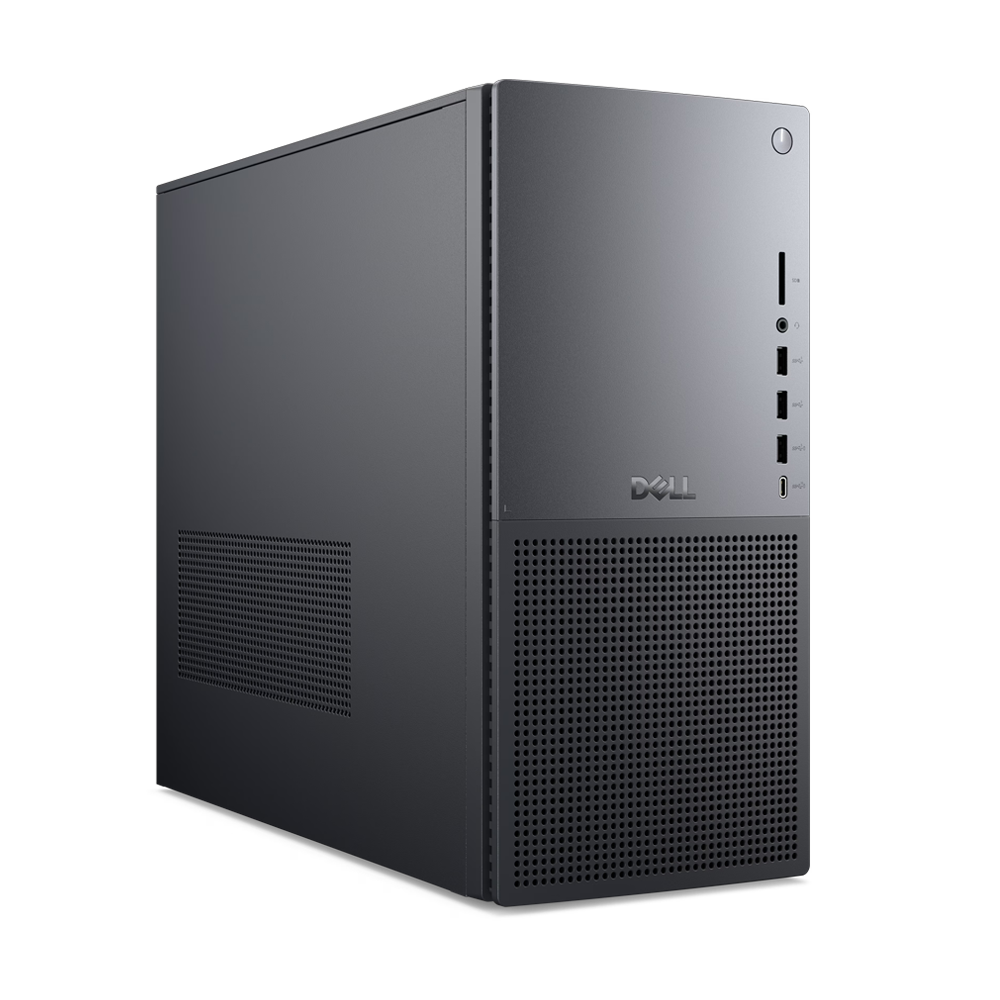
File transfer functionalities have also received a significant boost, enabling quick and intuitive sharing of documents and media in both directions – from phone to PC and vice-versa. Complementing this, a new “recent activity” panel has been integrated into the Android application. This panel provides an immediate overview of all recently shared files and links, streamlining access and organization for users who frequently move content between their devices.
The Link to Windows app now offers real-time insights into the connected Windows 11 PC’s status, adding another layer of convenience. Android users can monitor essential details such as their laptop’s battery level and the Wi-Fi signal strength, with updates occurring approximately every minute. This proactive display of critical system information can prove invaluable for managing device power and connectivity on the go.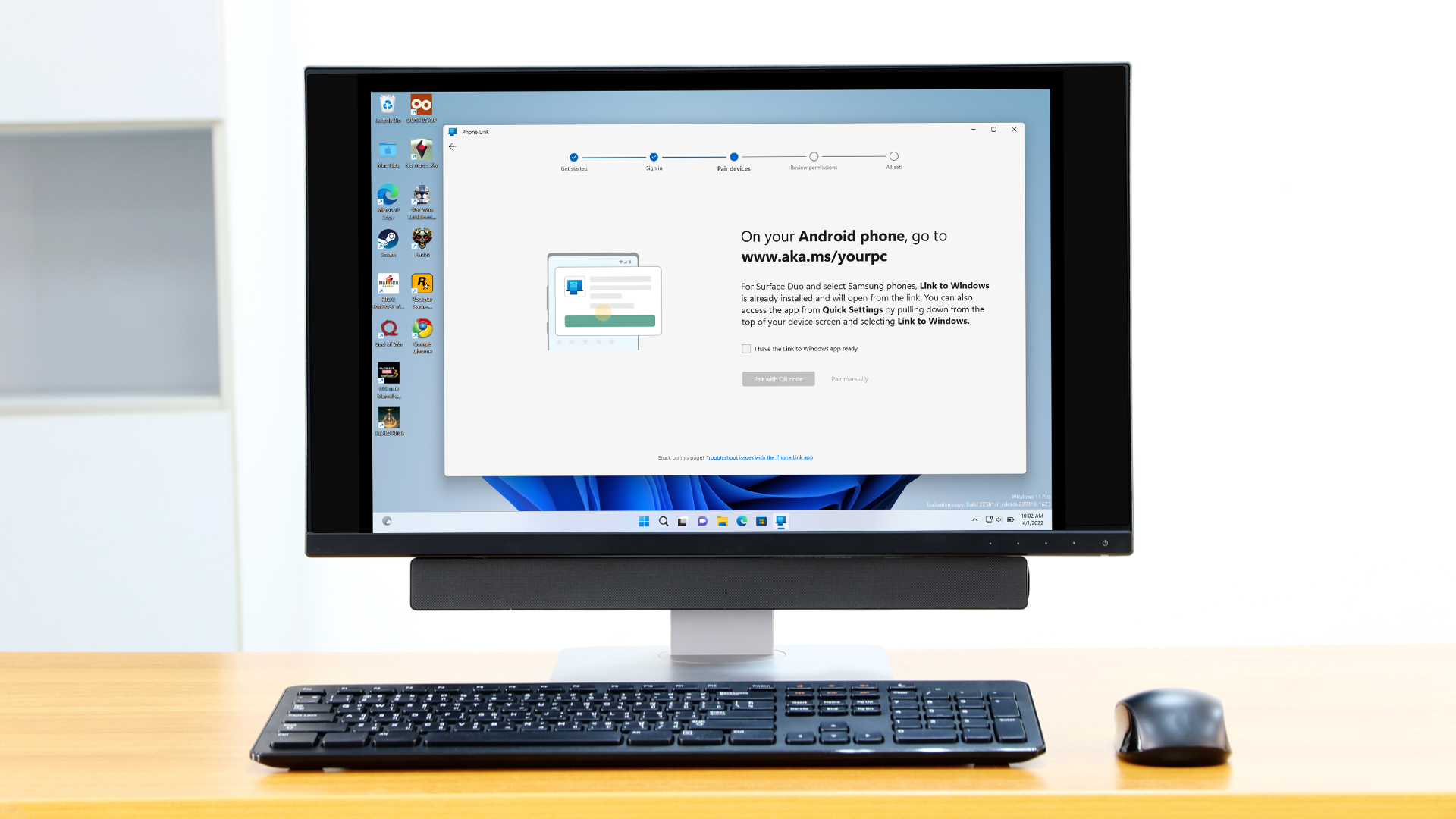
These comprehensive enhancements mark a substantial expansion of the Phone Link experience, solidifying its role as a bridge between Microsoft’s desktop operating system and the Android mobile platform. The functionalities, previously observed in beta testing and limited rollouts last month, are now being progressively deployed to all Phone Link users. This broad release signifies Microsoft’s confidence in the stability and utility of the new features.
To access these advanced cross-device features, users are required to update their Link to Windows Android application to the latest version. Microsoft advises navigating to the phone’s Settings, then selecting Advanced features, and subsequently tapping on Link to Windows. From there, users can check for and install available updates by selecting the ellipsis icon in the upper-right corner and choosing “About Link to Windows.” While the rollout is underway, new features may still take a short period to become fully active for all users.
The strategic integration of these capabilities highlights Microsoft’s broader vision to create a more cohesive and productive computing environment. By blurring the lines between mobile and desktop, the company aims to reduce friction in daily workflows, allowing users to transition seamlessly between tasks regardless of the device they are using. This approach is crucial in an era where multi-device ownership is the norm, and user expectations for interconnected experiences are high.
These updates not only elevate the user experience for existing Windows 11 and Android users but also serve as a compelling incentive for new users to embrace the Phone Link ecosystem. The ease of setup, coupled with surprisingly powerful cross-device functionality, positions Microsoft favorably in the competitive landscape of integrated tech solutions. The Phone Link application itself has also gained increased prominence, now featuring its own dedicated side panel off the Windows 11 Start menu.
Ultimately, the latest wave of features for Link to Windows and Phone Link represents a significant stride towards a truly unified digital experience. From enhanced security with remote locking to streamlined productivity through content sharing and screen mirroring, these updates reinforce Microsoft’s commitment to delivering practical, impactful innovations that empower users in their daily interactions with technology.

![[post_title]](https://samony.com.ng/wp-content/uploads/2025/12/Tension-in-Zamfara-as-angry-youths-attack-House-of-Reps-300x150.jpg?lm=6943E9CA "Nigerian Legislator Attacked in Zamfara Amid Neglect Claims")


![[post_title]](https://samony.com.ng/wp-content/uploads/2025/12/1766057781_Im-73-Retired-and-Dreading-Winter-But-I-Cant-Afford-300x169.jpg?lm=6943E737 "Retirees Cope With Winter Blues on a Budget")

![[post_title]](https://samony.com.ng/wp-content/uploads/2025/12/Beans-in-everything-and-going-bitter-The-food-trends-that.jpeg?lm=6943E24C "2026 Food Forecast: Healthier Choices and Global Tastes Emerge")


![[post_title]](https://samony.com.ng/wp-content/uploads/2025/12/Tension-in-Zamfara-as-angry-youths-attack-House-of-Reps-1024x512.jpg?lm=6943E9CA "Nigerian Legislator Attacked in Zamfara Amid Neglect Claims")
